> For the complete documentation index, see [llms.txt](https://developer.branta.pro/llms.txt). Markdown versions of documentation pages are available by appending `.md` to page URLs; this page is available as [Markdown](https://developer.branta.pro/setup/receive/integrations/btcpay-server.md).
# BTCPay Server
Install the [Branta plugin](https://plugin-builder.btcpayserver.org/public/plugins/branta).
[Voltage](https://www.voltage.cloud), [BTCPay Italia](https://www.btcpayserver.it), and [Bitcoin Aruba](https://btc.aw) already have Branta installed.
## 1. Install
Log in to BTCPay Server and click Manage Plugins.
{% hint style="warning" %}
If you don't see Manage Plugins, an admin has to do this for you.
{% endhint %}
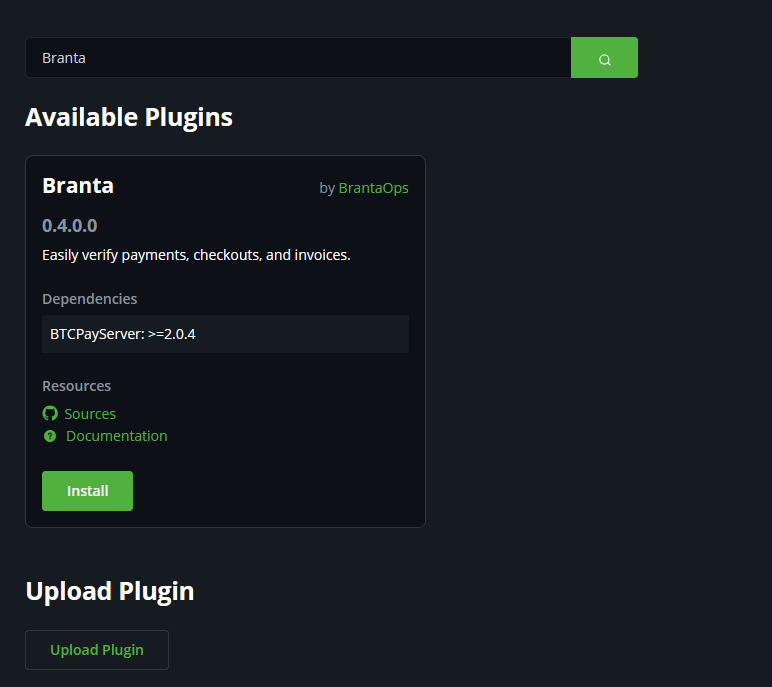
Search `Branta` and click Install. BTCPay Server will restart.
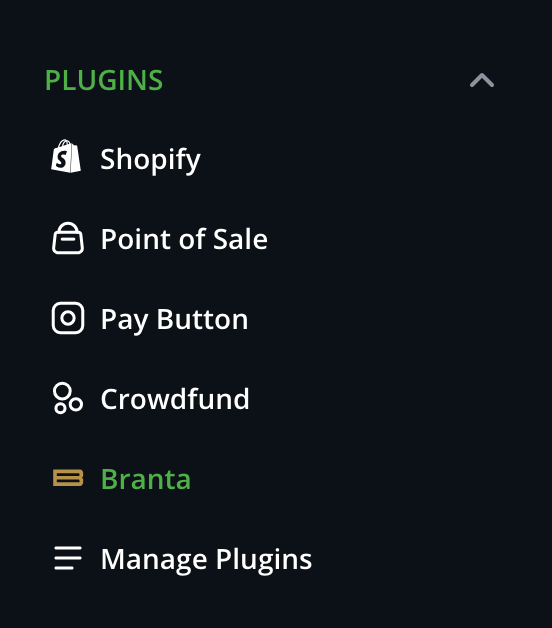
Branta appears under Plugins.
## 2. API key and enable
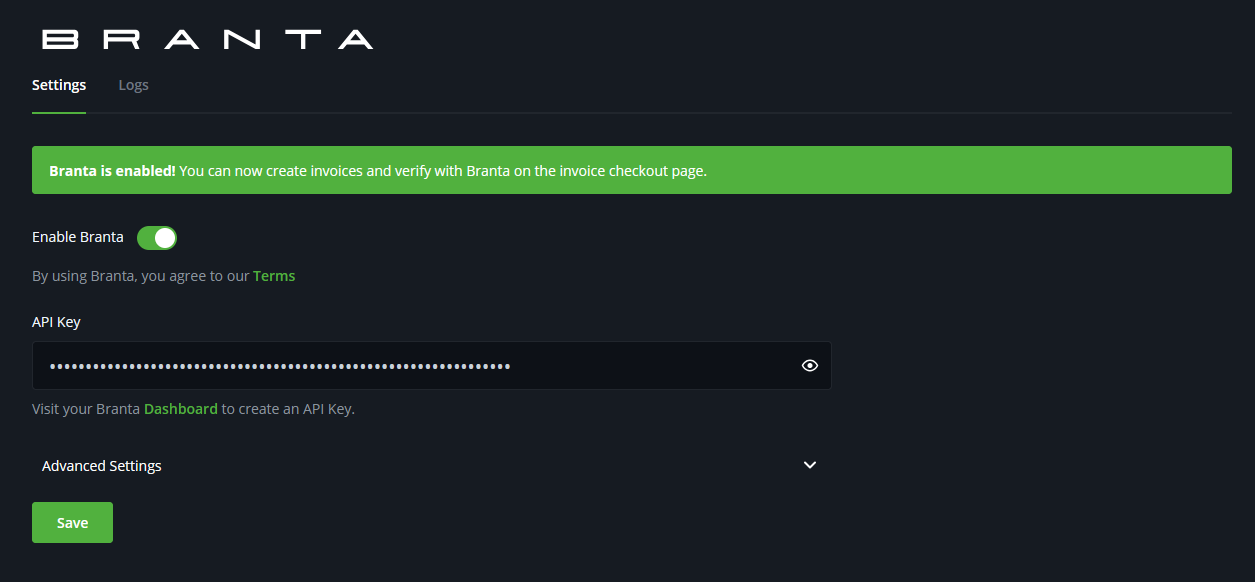
Under Plugins, click Branta. Paste the API key from your Branta dashboard, turn on Enable Branta, and click Save.
## 3. Advanced settings (optional)
Expand **Advanced** on the settings page to change defaults:
* **Enable Staging** and **Staging API Key** — point the plugin at `staging.guardrail.branta.pro`. Use a staging API key.
* **Show Checkout Info on Verification Page** — include the invoice description on the Branta verify page.
* **Allow Guardrail Verification for** — how long each published destination stays valid. Options: 30 minutes (default), 4 hours, 1 day, 7 days.
* **Show Verify Link at Checkout** — whether `Click to verify with Branta` appears on invoices.
## 4. Verify
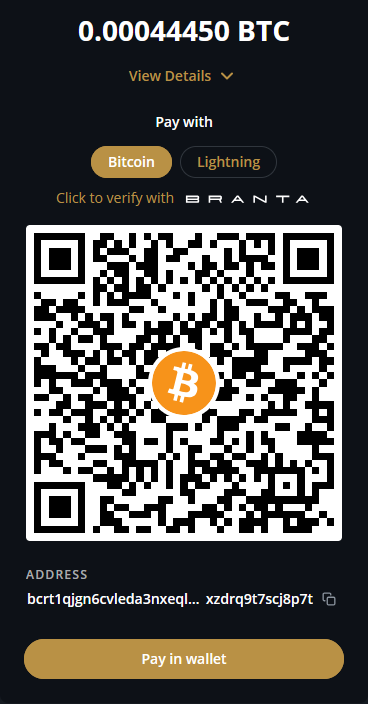
Create a test invoice. Checkout shows `Click to verify with Branta`.
You can also [QR scan](https://scan.branta.pro/scan) the invoice.