# Zaprite

## 1. Connect to Branta Connection

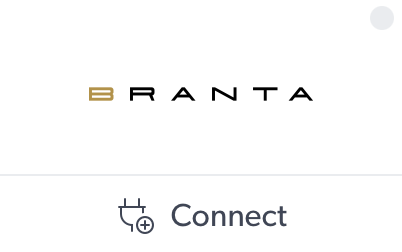
* Go to `Connections` within Zaprite and search for `Branta`.&#x20;
* Click `Connect`.&#x20;

<figure><img src="https://2482615079-files.gitbook.io/~/files/v0/b/gitbook-x-prod.appspot.com/o/spaces%2FWfLyw4XD5FjUVq3GxTZN%2Fuploads%2FcG1in0Yag9PMWCZBZMsx%2FScreenshot%202026-02-17%20at%201.23.17%E2%80%AFPM.png?alt=media&#x26;token=b666cb9f-c3d7-4f20-9d85-62994e266330" alt=""><figcaption></figcaption></figure>

## 2. Enter API Key

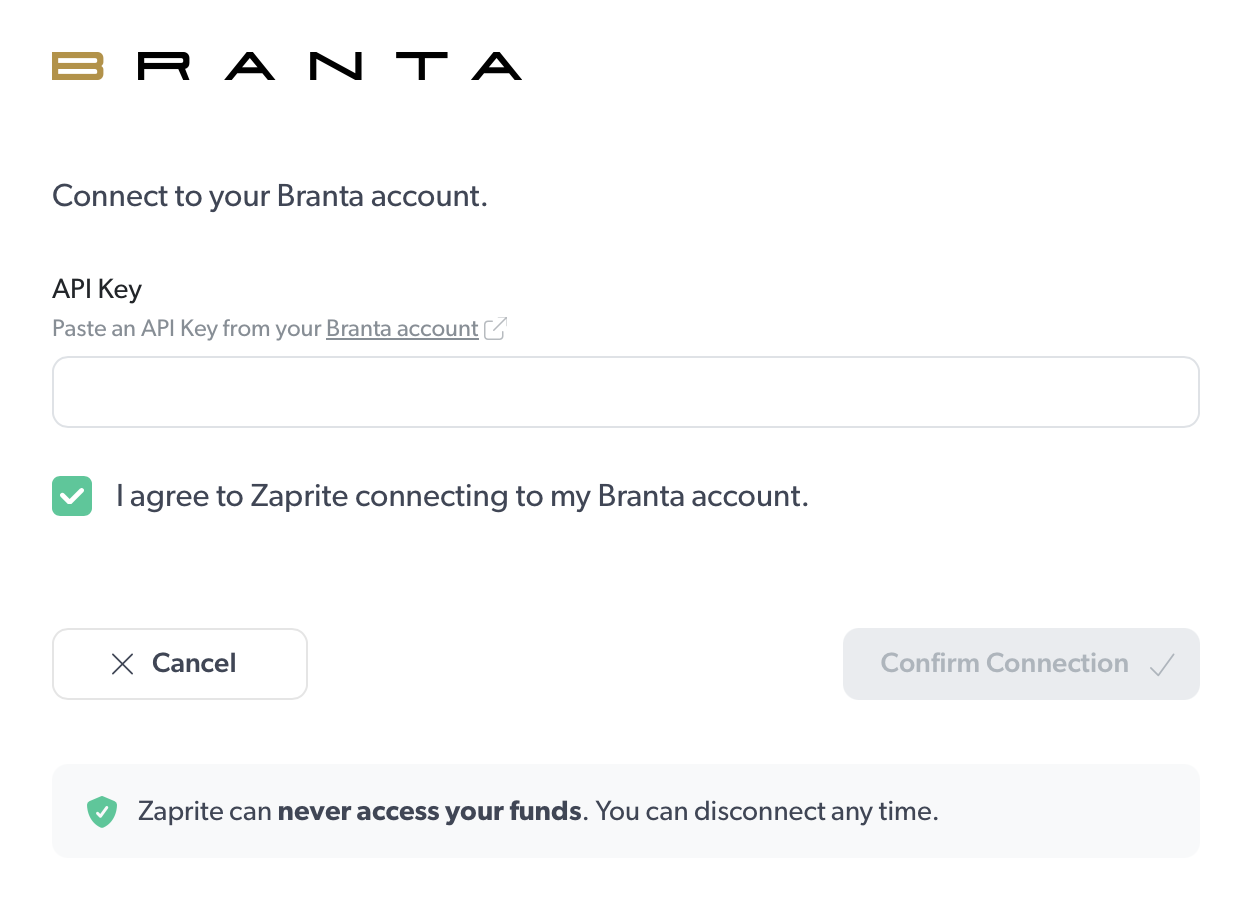
* Copy the API Key from your Branta Dashboard to the API Key settings field.
* `Check the box` to agree to Zaprite connecting to your Branta account.&#x20;
* Click `Confirm Connection` to finalize.&#x20;

<figure><img src="https://2482615079-files.gitbook.io/~/files/v0/b/gitbook-x-prod.appspot.com/o/spaces%2FWfLyw4XD5FjUVq3GxTZN%2Fuploads%2FHHHyaLq1thByOZ25luGN%2FScreenshot%202026-02-17%20at%201.26.45%E2%80%AFPM.png?alt=media&#x26;token=6a9dbba1-363d-4b5e-ae97-51227f5b93c9" alt=""><figcaption></figcaption></figure>

## 3. Verify Branta is running

* [QR scan](https://guardrail.branta.pro/scan) from your phone or compatible wallet